What it is
D2 Checklist is an open-source progression tracker for Destiny 2. Maintained by jgcoroneo on GitHub under MIT license, free, monetized only by optional donations. Active since 2018.
Its proposition is being exhaustive: if Bungie exposes a checklist in their API, D2 Checklist lists it. Covers weekly milestones (Nightfall, Empire Hunts, Crucible weekly), per-character progress, ritual ranks (Crucible Valor, Vanguard rank, Trials passages), seasonal challenges, weekly bounty status — all on one page per character.
What problem it solves
When you play multiple characters (typical for seasonal grinds and power leveling), knowing what each did this week gets complicated. Did I do Nightfall on my Hunter? Does the Warlock have Vanguard milestones? Without a tracker, you open the game and check character by character, wasting time.
D2 Checklist gives you all three characters side-by-side with each available checklist and its state. In 30 seconds you know what's missing on each toon, plan what activity to do and with which character.
How it differs
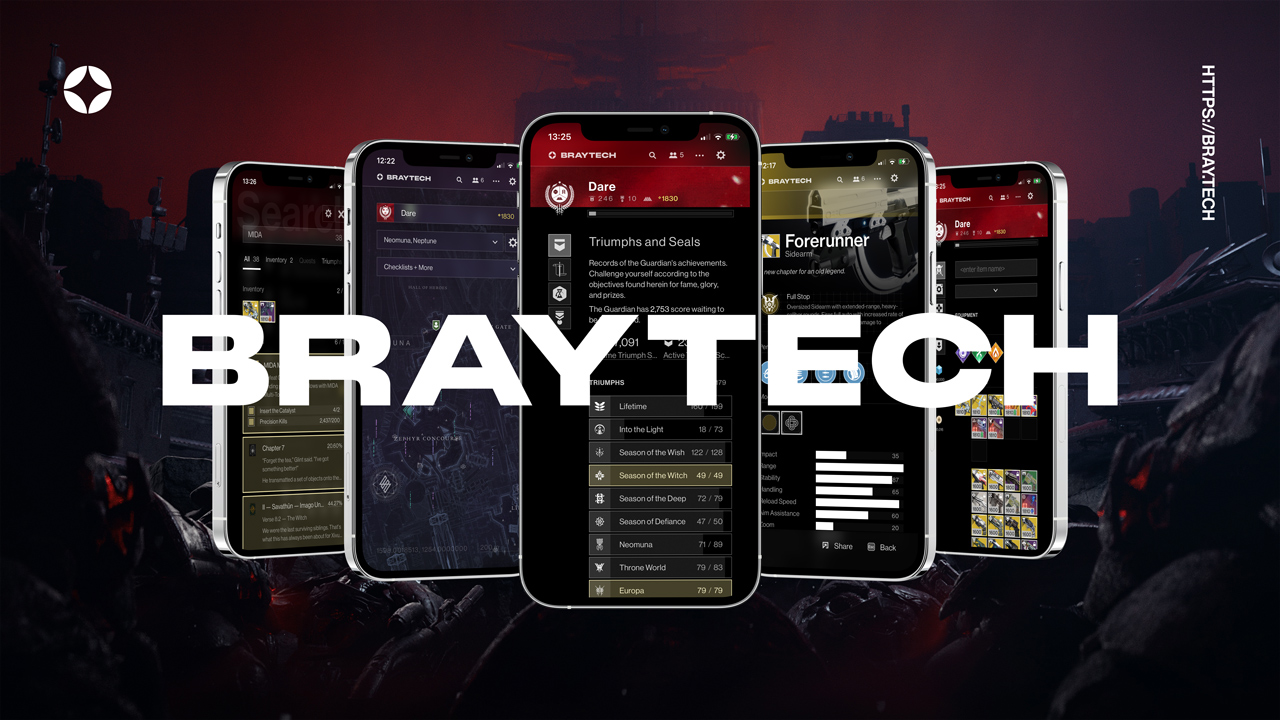
Versus Braytech (its most direct alternative), D2 Checklist wins on exhaustiveness and multi-character comparison. Braytech has better UI and broader editorial coverage (vendors, filtered triumphs); D2 Checklist has better "complete audit of all 3 chars on one screen". If you main one character, Braytech is cozier. If you trifecta weekly, D2 Checklist wins.
Versus Bungie's official Companion app, D2 Checklist wins on coverage of derived checklists the official doesn't expose. The official wins on integration with Companion features (Fireteam Finder, etc.).
What people use it for
Weekly audit of all 3 characters: which milestones, bounties, and challenges each toon did. Useful to avoid repeats and maximize pinnacle drops.
Seasonal challenge tracking: which challenges you completed, which are pending, requirements for each.
Ritual rank progress: Crucible Valor / Vanguard / Gambit / Trials passages — all visible per character with XP to next rank.
Lost sector and exotic farm tracking: which LS is up today, which exotic drops, on which character you farmed it.
Weekly vendor refresh: when Banshee refreshes, when Xur arrives, when weekly reset pins things.
Who it's not for
If you play a single character casually, Braytech delivers more with better UI and less noise. D2 Checklist is overkill when there's no parallelism.
If you're put off by dense/ugly UIs, you'll get frustrated. D2 Checklist doesn't bet on aesthetics; it's max-functional.
If your primary interest is lore, builds, or weapon meta, this site doesn't help — it's focused on progression and completionism.
How to use it in practice
- Go to
d2checklist.com. Login with Bungie OAuth (required for personal data). - The main page lists your 3 characters side-by-side with a weekly checklist grid.
- Filter by "incomplete" to see only what's missing. Pinpoint which activity to do.
- For per-character detail: click one and see its full progress (ranks, challenges, bounties).
- Weekly reset (Tuesday 10am PT): the page updates with new rotation.
Honest limitations
Functional but ugly design. The UI isn't Modrinth or Mobalytics — it's a dense grid with little visual hierarchy. Expect "where is everything" learning curve.
Poor mobile experience. Info density doesn't scale well to small screens. On desktop, navigable; on mobile, barely.
Some checklists may be outdated. When Bungie adds a new seasonal challenge type, D2 Checklist can take days to map it. Verify against the game when close to a key milestone.
English only. No Spanish localization.
No mobile app. Only responsive web (mediocrely so).
Open source but small community. Only the primary dev contributes — continuity risk if they abandon the project.
How to get started
Go to d2checklist.com, login with Bungie OAuth. As soon as it loads, look at the 3 characters side-by-side and identify which milestone is missing on each. Try the "incomplete" filter to see only gaps. In 5 minutes you'll have visibility on weeks you used to fly blind through.
Alternatives to D2 Checklist
If D2 Checklist isn't the right fit, these Destiny 2 tools cover similar needs.