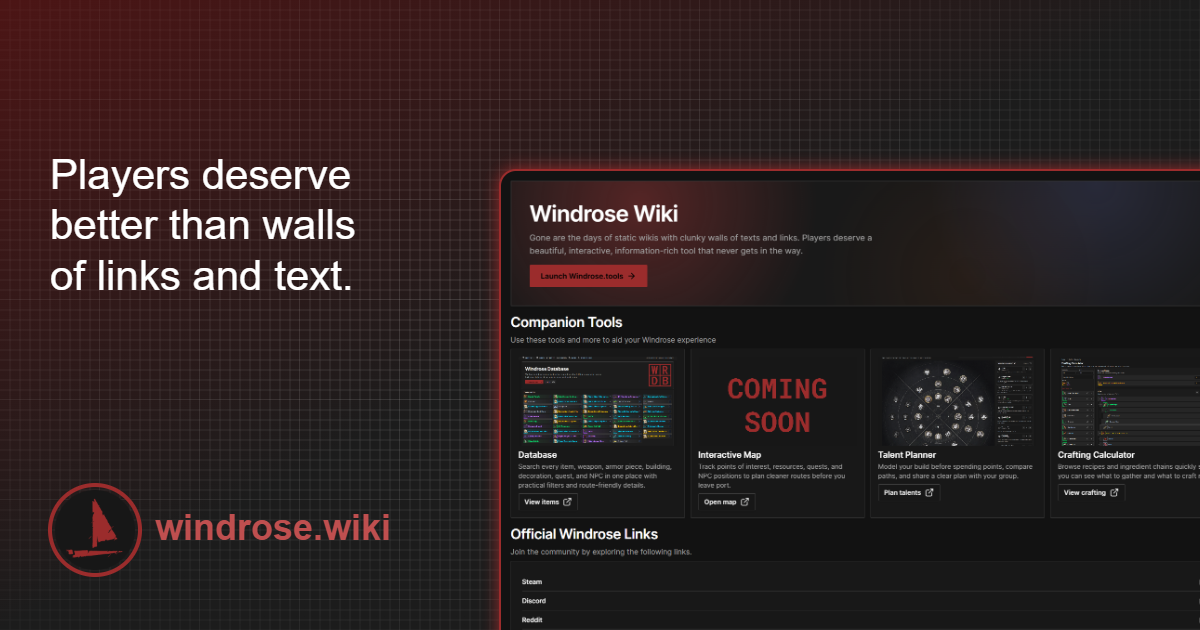
What it is
Windrose Wiki (windrose.wiki) is a community-editable wiki launched in the first days of Early Access and maintained by players. Documents every item, weapon, armor piece, building, decoration, quest, and NPC in the game with practical filters and route-friendly details (approximate coordinates when applicable, requirements, drop sources, recipe chains). Free and community contributions are open.
What problem it solves
Windrose has hundreds of items and mechanics whose in-game description is minimalist. When "Cured Leather Strap" shows up in your inventory, the game doesn't tell you what it's used for, where it drops, or what recipe consumes it. A wiki fills that gap: lookup by name, see where it appears, what you need to craft it, and what it unlocks.
Differentiation
- Windrose.tools is interactive (map, builder); Windrose Wiki is textual/lookup.
- Fextralife Windrose Wiki covers the same ground with a layout more focused on souls-like coverage (boss strategies, weapon scaling tables).
- Windrose Wiki's differentiation is practical filters and routes — it's designed to find info fast during a session.
What people use it for
- Lookup specific items: what they do, where they come from, what consumes them.
- Find NPCs and quest givers: where they appear, what reward they give, what they require.
- Identify buildings and decorations: for base building focused on aesthetic or function.
- Verify recipe chains: start from the final goal and backtrack to the base materials.
- Casual reading during a session: random scrolling to discover content you didn't know existed.
Who this tool is NOT for
If you want to see the map with your seed or plan talents visually, this isn't the tool — use Windrose.tools. If you're looking for deep editorial analysis of mechanics (combat depth, build philosophy), long-form guides on creators' sites are more useful.
How it's used in practice
- Open windrose.wiki.
- Use the search bar for queries by exact or approximate name.
- Side filters: type (weapon/armor/recipe), source (drop/craft/quest), level requirement.
- Each page has cross-links — clicking a material takes you to its page with sources.
- To contribute: click "Edit" on any page, requires a free account.
Honest limitations
- English only: no translations.
- Quality inconsistent per page: popular pages are well curated, obscure pages have partial or outdated info.
- Lag against the patch cycle: when a patch changes stats, the wiki can take 1-3 days to sync.
- No interactive features: no planner, no calculator, no map. Just textual lookup.
How to get started
Open windrose.wiki and bookmark the home. Search works well by name — if you don't know the exact English name, the side filters let you navigate by type. If you find outdated info or missing info, consider editing — the wiki model only works with community contributions.
Alternatives to Windrose Wiki
If Windrose Wiki isn't the right fit, these Windrose tools cover similar needs.