What it is
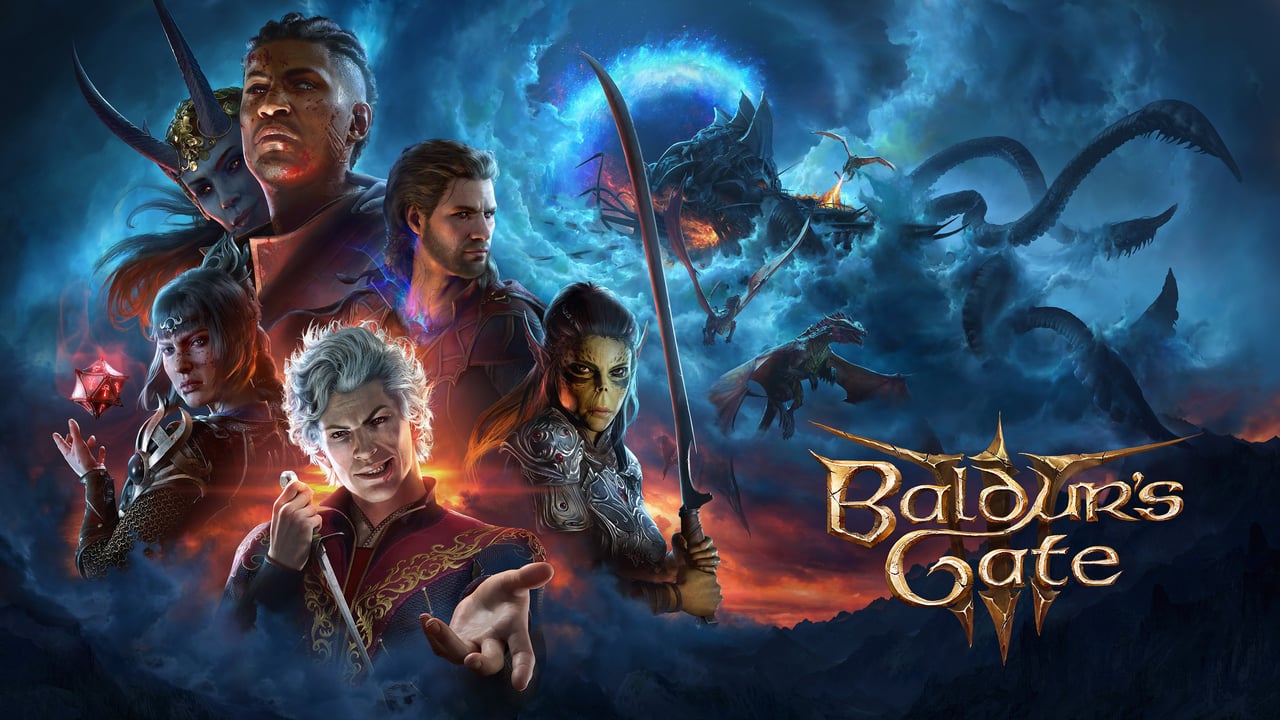
BG3 Mod Manager (BG3MM) is the open-source mod management tool for Baldur's Gate 3 maintained by LaughingLeader. Its only official source is the GitHub repository. It's built on .NET 8 and supports the game's Patch 7 and Patch 8 versions.
Its core job is managing the load order of .pak-format mods: you enable them, reorder by dragging, and BG3MM exports the result to the modsettings.lsx file the game reads at launch. It also includes a shortcut to download and install the Script Extender straight from Norbyte's repo.
What problem it solves
BG3 mods that depend on each other or touch the same systems need a correct load order, or the game crashes or silently ignores mods. Doing that by hand, editing files, is error-prone.
BG3MM gives you a visual interface where you see all your mods, reorder them with drag and drop, and export a valid load order without touching raw text. For setups beyond a few mods, it's the difference between a stable game and hours of debugging.
Differentiation
Against official mod support (mod.io), BG3MM gives fine control over load order and handles .pak mods that aren't in Larian's curated catalog, including those that depend on Script Extender. The official one is simpler and cross-platform; BG3MM is for the PC user who wants full control.
Against Vortex, BG3MM is dedicated to BG3, while Vortex is a multi-game manager. BG3MM tends to feel more tuned for BG3's quirks; Vortex wins if you already manage several games from one app.
What people use it for
Sorting load order: enabling and reordering .pak mods with precise visual control.
Exporting to modsettings.lsx: generating the config file the game needs, without hand-editing it.
Installing the Script Extender: downloading the right version for the current patch with the built-in option.
Importing and exporting orders: sharing a full load order or backing it up before a big change.
Integrating mod.io mods: reading existing entries from the official manager and unifying them into one order.
Who this tool is NOT for
If you play on console, BG3MM isn't an option: the only supported modding there is official via mod.io. BG3MM is PC-only.
If you only want a couple of simple mods and don't care about fine control, the official in-game manager is simpler and enough. BG3MM shines when the setup grows.
How it's used in practice
- Download the latest release from LaughingLeader's GitHub.
- Point BG3MM at the BG3 install folder.
- Download .pak mods from Nexus and add them to the mod panel.
- Reorder the load order respecting dependencies (frameworks first).
- Use Tools to install the Script Extender if your mods require it.
- Export the order to modsettings.lsx and launch the game.
Honest limitations
Learning curve: understanding load order, dependencies, and Script Extender takes a while; it's not plug and play like the official one.
Windows only: there's no console version or native support outside PC.
Tied to the patch: after a Larian update, the Script Extender and some mods need updating; the manager helps but doesn't remove the maintenance.
Community distribution: the only safe source is the official GitHub. There are sites that repackage the manager; downloading from those is an unnecessary risk.
How to get started
Download the release from LaughingLeader's official GitHub repository, not from mirrors. Point the manager at your BG3 folder, import your first .pak mods, and get familiar with the order panel. For your first setup, keep mods few, confirm the game launches, and only then scale up. The BG3 Modding Community Wiki has the reference load order guide.
Alternatives to BG3 Mod Manager
If BG3 Mod Manager isn't the right fit, these Baldur's Gate 3 tools cover similar needs.