What it is
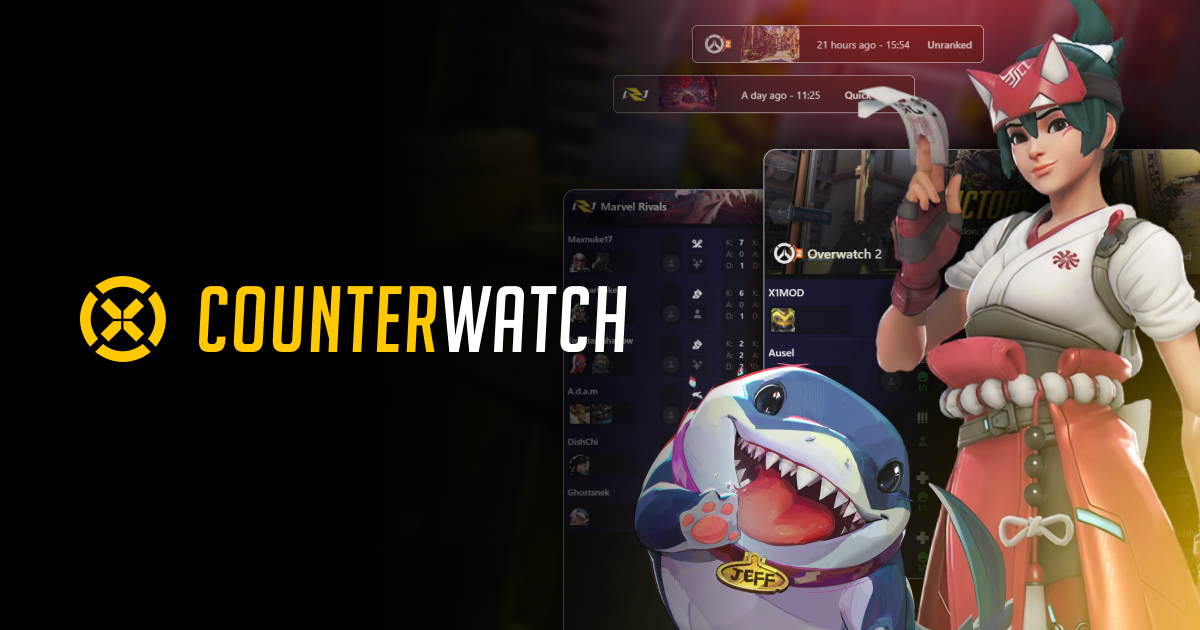
Counterwatch is an unofficial, fan-made web tool that combines a counter-picker and a team builder for Marvel Rivals. It assigns a matchup score to each hero against each enemy, predicts your win chance live as you add picks to the comp, and adds map stats, "best duo" recommendations, and a tier list.
Beyond the web version, it offers a desktop app (via Overwolf) that auto-detects picks during the match and suggests counters in real time with an in-game overlay. The platform covers both Marvel Rivals and Overwatch with the same feature set.
What problem it solves
In a 6v6 hero shooter with Vanguard, Duelist, and Strategist roles and around 50 heroes, counter-picks and team synergy decide matches as much as individual mechanics. Knowing from memory which hero beats which, and how picks combine, is hard even for experienced players.
Counterwatch turns that memory burden into a lookup tool: instead of guessing whether your pick is good against the enemy comp, you see a concrete score and a win probability that updates with every choice.
How it's different
Compared to RivalsCounters, Counterwatch is the heavier, more data-rich option. RivalsCounters quickly answers "what beats X" with a simple, web-only focus. Counterwatch goes further: live win-chance prediction while you build the full comp, map stats, best duos, and above all a desktop app that detects picks automatically during the match.
If you only want a quick counter answer, RivalsCounters is more direct. If you want a tool that walks with you through draft and match with deep data, Counterwatch is the more complete one.
What people use it for
- Counter-picking in the draft: checking which hero best answers the enemy comp before you lock your choice.
- Building comps with live win chance: seeing your win probability rise or fall as you add picks, to balance roles and matchups.
- In-match suggestions via the app: using the desktop overlay that auto-detects enemy picks and suggests counters without typing anything.
- Consulting map and duo stats: tuning your selection to the map and leaning on hero pairs with strong synergy.
- Orienting with the tier list: getting a quick read on which heroes are strong in the current meta.
Who this tool isn't for
If you're just starting and haven't nailed your hero's fundamentals, a deep counter tool can overwhelm more than help: it's better to first learn to pilot a couple of characters well. It's also not ideal if you play casually with no intent to optimize the draft, or if you prefer a minimal "what beats X" answer with no tier lists or predictions; in that case RivalsCounters is lighter. And being third-party, it doesn't replace your own judgment or communication with your team.
How to use it in practice
- Open counterwatch.gg and select Marvel Rivals as the game.
- For specific counters, search the enemy hero and review the matchup scores showing what beats it and what loses to it.
- To build a comp, enter the known enemy picks and watch the live win chance as you add your own heroes.
- Cross-reference your selection with map stats and best-duo recommendations.
- For automatic in-match suggestions, install the desktop app (Overwolf) and let the overlay detect picks and propose counters in real time.
Honest limitations
- Third-party data: scores come from aggregated data and proprietary models, not official NetEase stats; treat them as a guide, not absolute truth.
- The meta changes fast: with ~2-month seasons and frequent Team-Up Skill and balance tweaks, a tier list or matchup can go stale between updates.
- The app requires Overwolf: live suggestions depend on installing extra desktop software, which not everyone will want.
- Counters aren't everything: a good matchup on paper doesn't win on its own; mechanics, positioning, and coordination matter as much or more.
- Optional subscriptions: the essentials are free, but there are paid tiers (Plus and Premium) that remove ads and add extras.
How to get started
Go to counterwatch.gg, pick Marvel Rivals, and explore the tier list and per-hero counters to get familiar with the interface. When you need to draft, use the team builder by entering enemy picks to see your live win chance. For automatic help during matches, install the desktop app via Overwolf. Everything essential is free; subscriptions only remove ads and add extra features.
Alternatives to Counterwatch
If Counterwatch isn't the right fit, these Marvel Rivals tools cover similar needs.